


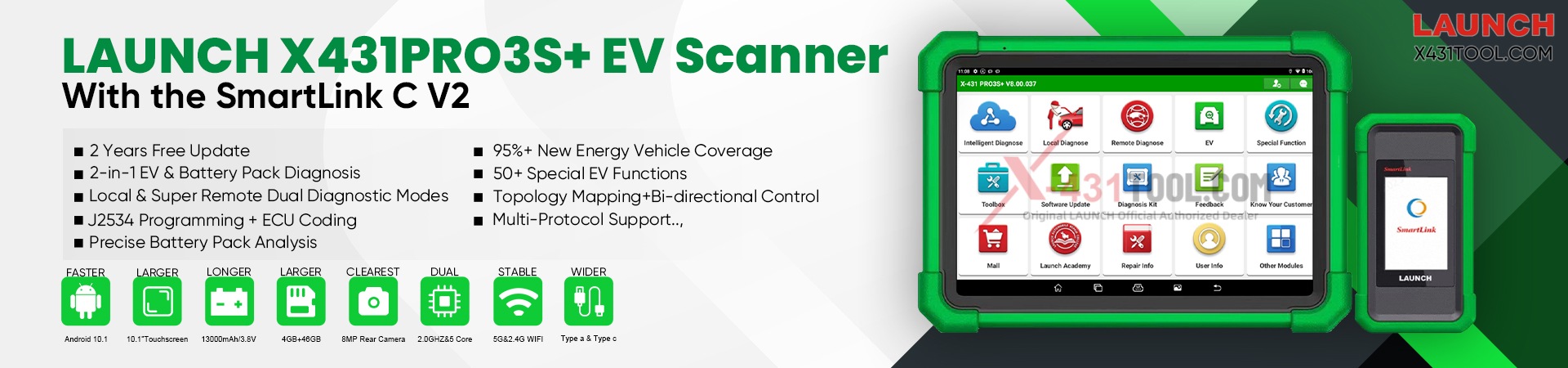
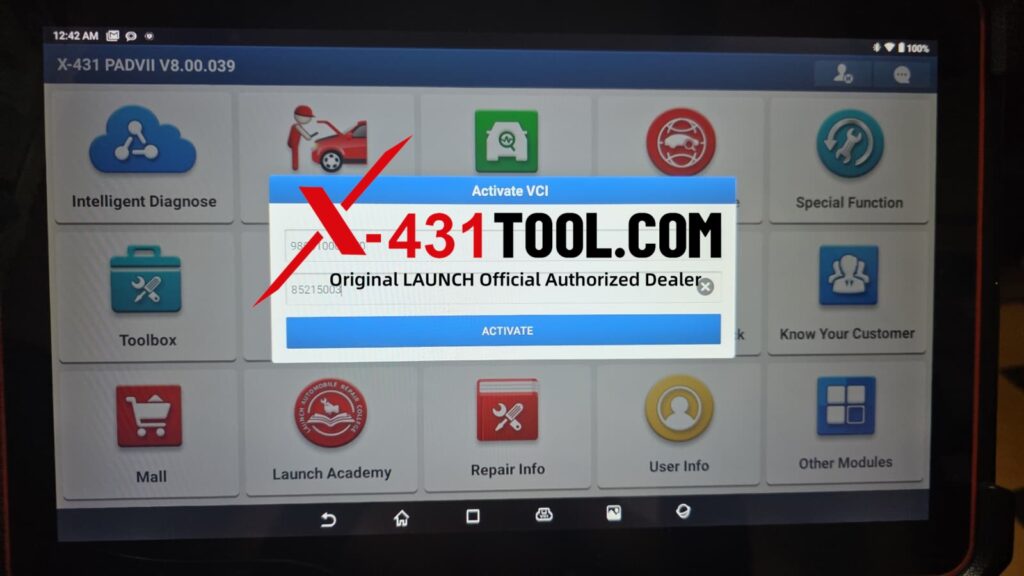
Q: Hello, the version of the app on my PAD VII device was too old, so I uninstalled it and reinstalled it via the mini-program, but now the device is prompting me to activate VCI. What’s going on?
A: Hello
1. VCI ACTIVATE:
Used for first-time binding and hardware activation of new VCI devices, completing device factory authorization and startup verification.
Your device has been in use for more than two years, so it is no longer considered new and does not need to be reactivated.
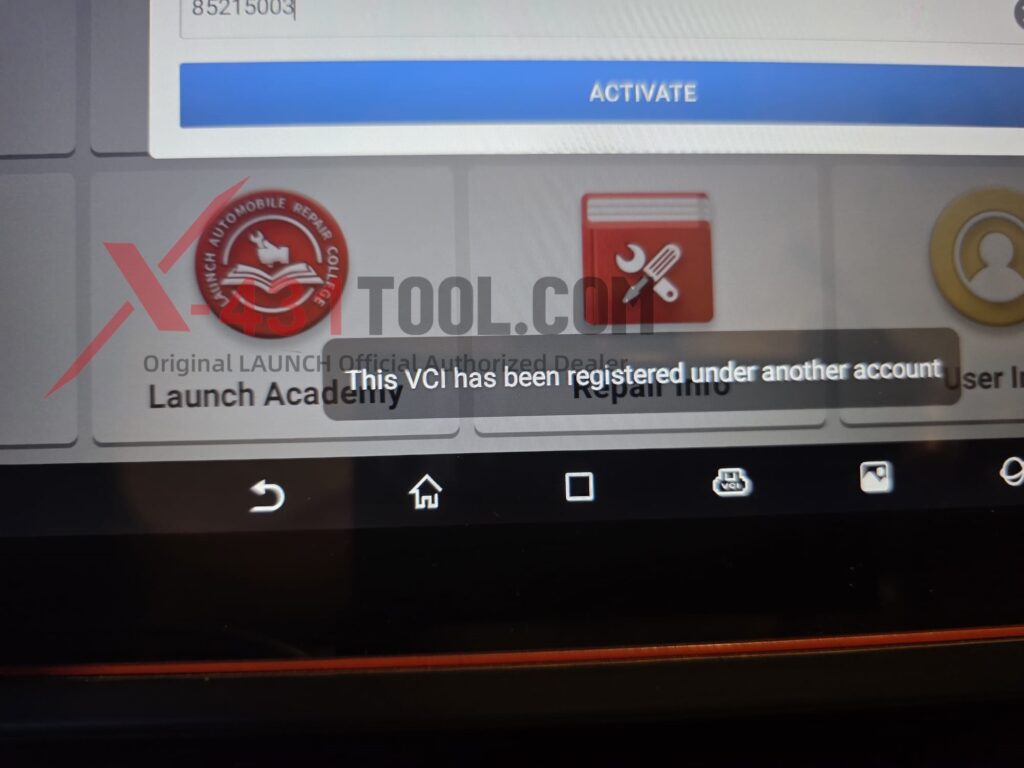
2. Why is this ”VCI ACTIVATE” message appearing?
Because you are not logged in to the correct account—your account is incorrect—you are seeing the message “This VCl has been registered under another account.”
3. How to solve it?
Please log in using the correct account information and password.
If you don’t remember it, Open the Application: Start X431 App on your diagnostic tool.
Access Login: Tap “Login” button, typically located in the upper right corner of the screen.
Initiate Recovery: Select “Retrieve Password” or “Forgot Password” option.
You may want to know:
Difference Between LAUNCH 8-Digit Device Activation Code vs 24-Digit Service Renewal Activation Code
How to solve the problem of X431 V+ show a reminder: Activate VCI?
If you have any problems, please feel free to contact me:
Email: sales@x431tool.com
WhatsApp: +86 18186426016
Leave a Reply