NOTE: The United States, Canada, Mexico, Colombia, Australia, Brazil, and Japan do NOT currently support Super Remote.
1. Please open the link: https://smartlink.x431.com/login

2. Log in with your X431 username and password:


3. Choose [Activate Device] — [Purchase function/Renew]

4. Select the Times of purchases you made and enter the card number and activation code we provided to you, and the activation will be complete!
Please note:
If you are purchasing an annual card, please select: Pay-per-year
If you are purchasing a times card, please select: Pay-per-use
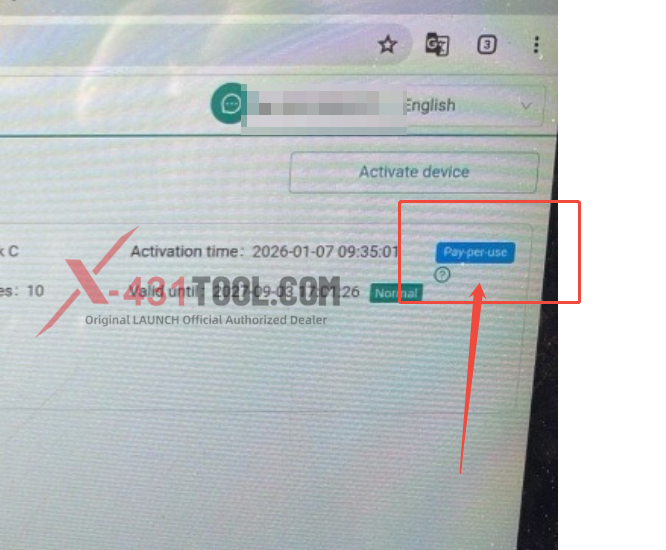
5. Check your remaining Times

Any problem please feel free to contact us!
Contact:
Email: sales@x431tool.com
WhatsApp: +86 18186426016
Leave a Reply