


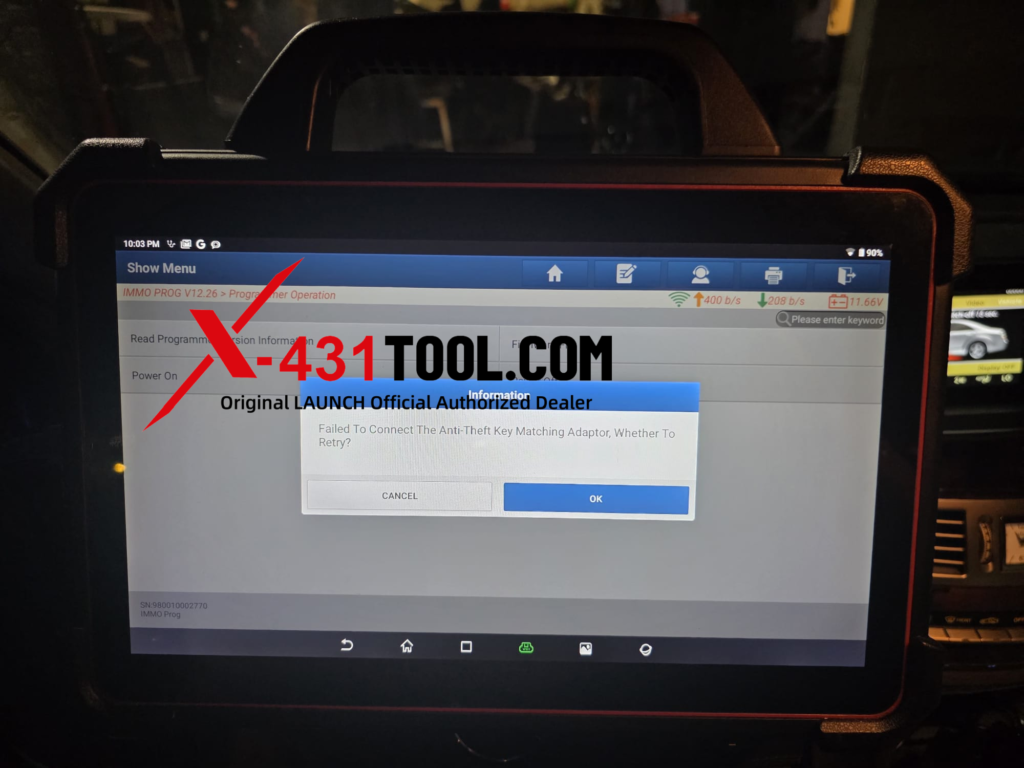
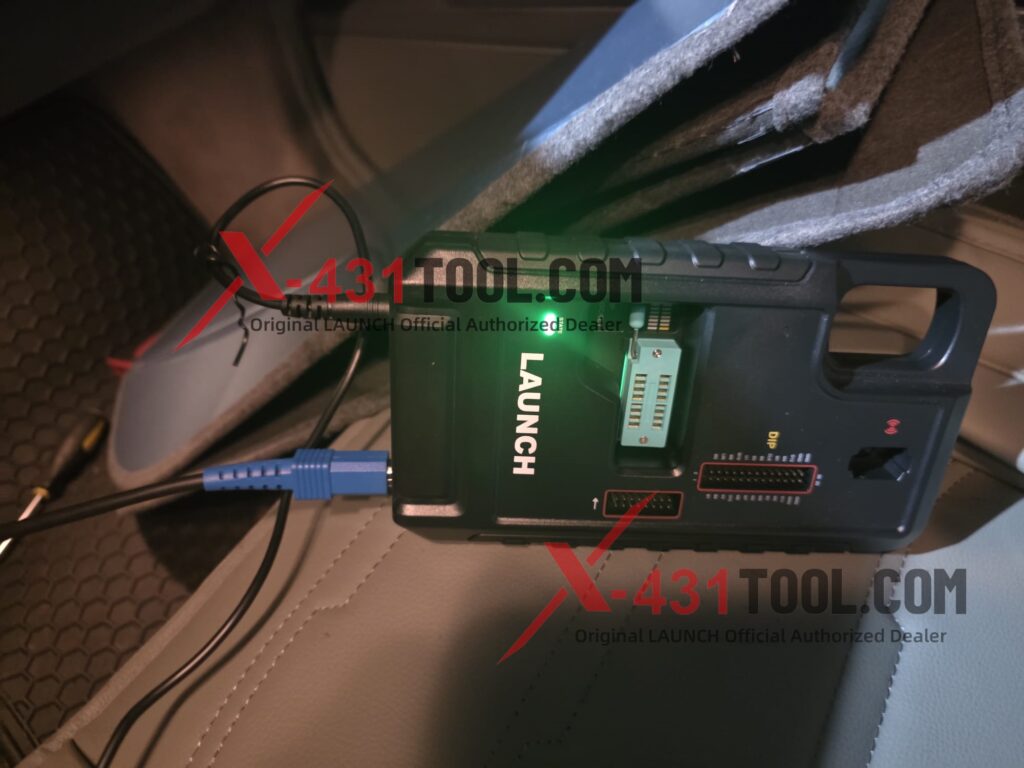
Q: Hi, when I use the G5 to connect to my PAD VII, it shows ”Failed To Connect The Anti-Theft Key Matching Adaptor, Whether To Retry?”
I connect it with USB, and there is no issue with the connection, what should I do?
Cause of the problem:
The app version is too old
Solution:
Uninstall the current app, then update it through the “App init” diagnostic app on the desktop. The version should be V8.0 or higher. Only the latest version can ensure normal communication.
Please make sure you are logged in with the correct username. Otherwise, the device will prompt you to activate VCI. (This is due to an incorrect account, not because VCI needs to be activated.)
How to Reinstall & Redownload App?
How to Reinstall & Redownload LAUNCH X431 Diagnostic Software “X-431” APP
How to solve the Google Blocking Rules for LAUNCH X431 APK Installation?
How to solve the Google Blocking Rules for LAUNCH X431 APK Installation
How to solve the problem of X431 PAD VII show a reminder: Activate VCI?
How to solve the problem of X431 PAD VII show a reminder: Activate VCI?
Leave a Reply