This is a tutorial on how to upgrade LAUNCH CRT5011E TPMS Relearn Tool for the first time. Please read this article carefully to learn.
1.Take out Launch 5011E device, press and hold the start button to power on. Select “Help” and “Tool information”, find SN & register code to record.
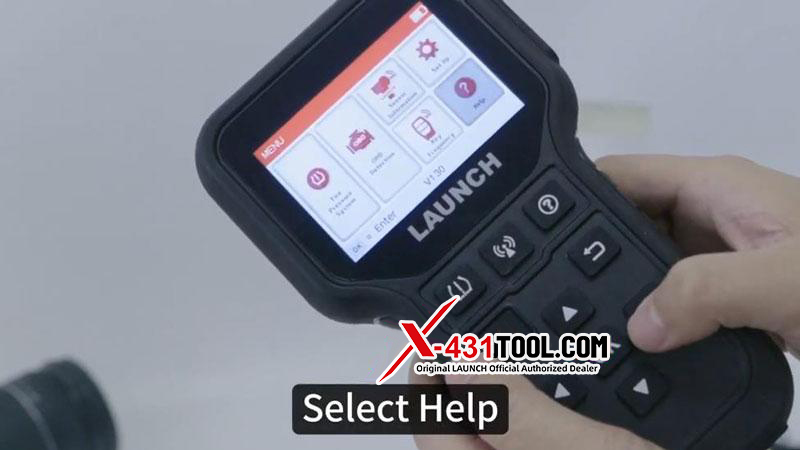
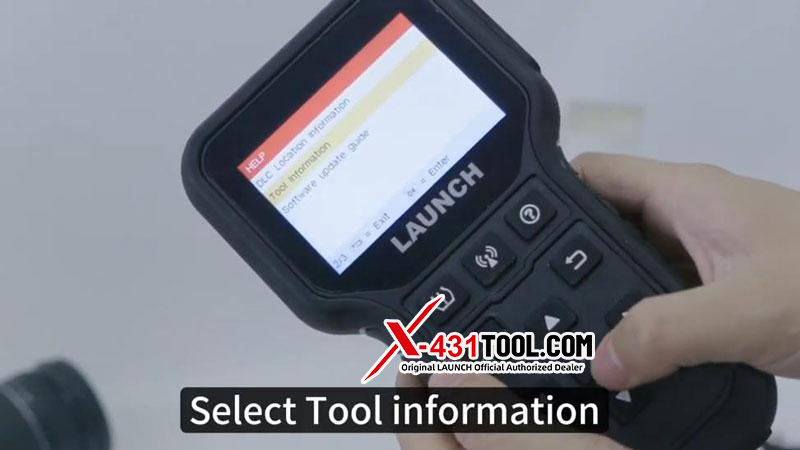
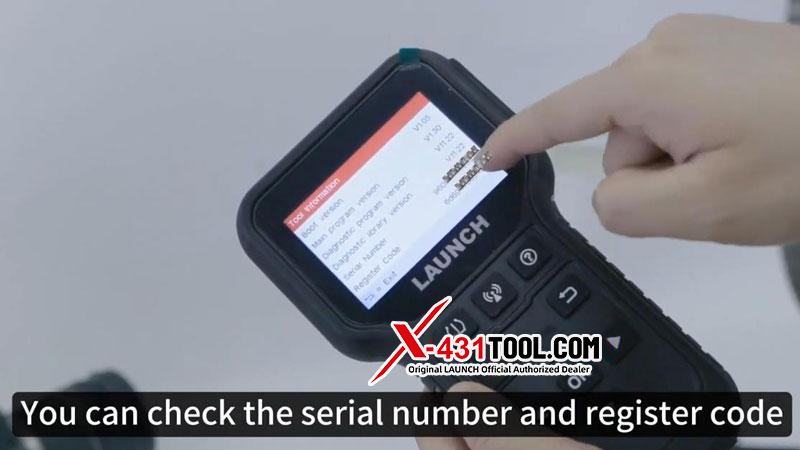
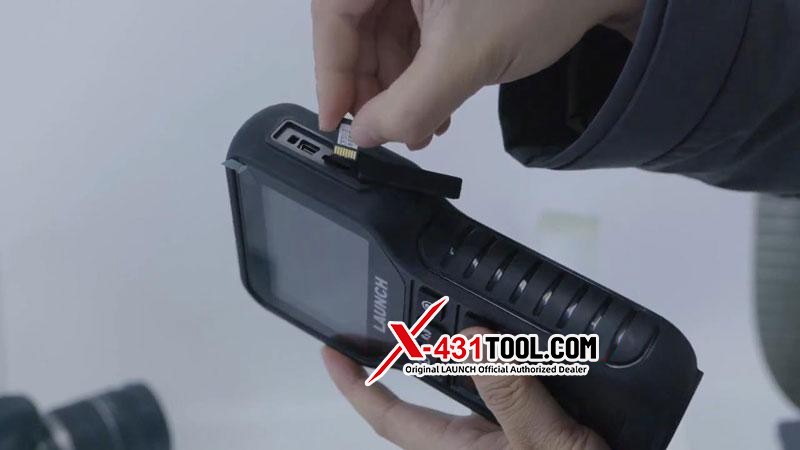
2. Unbox to find a code reader, take out 5011E device and click to eject the SD card. Insert the SD card into the card reader.
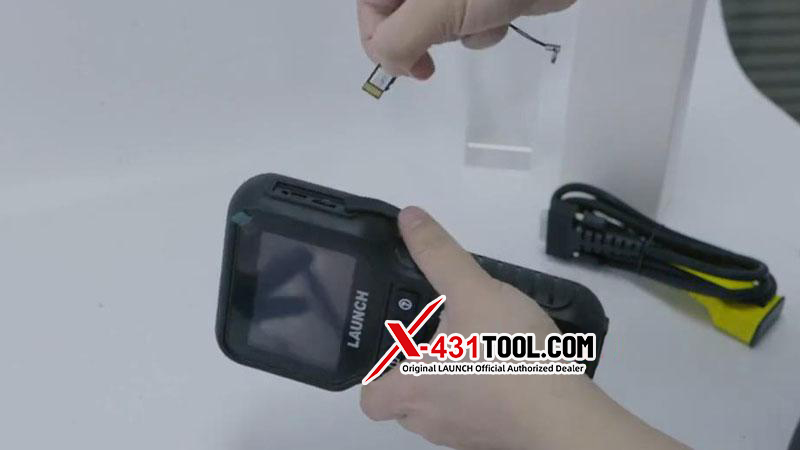
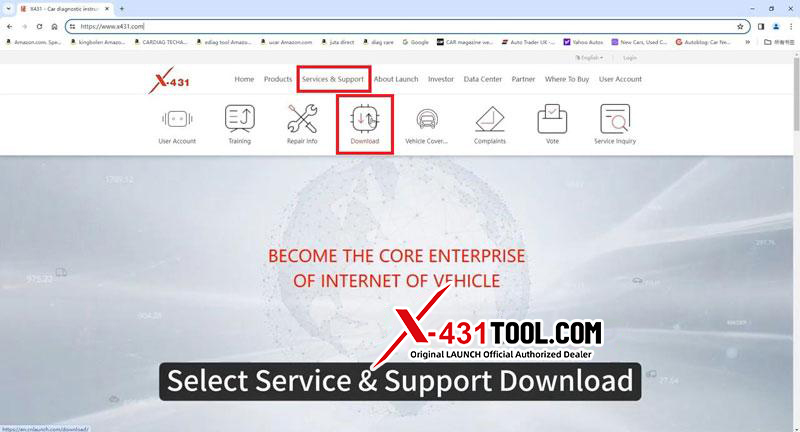
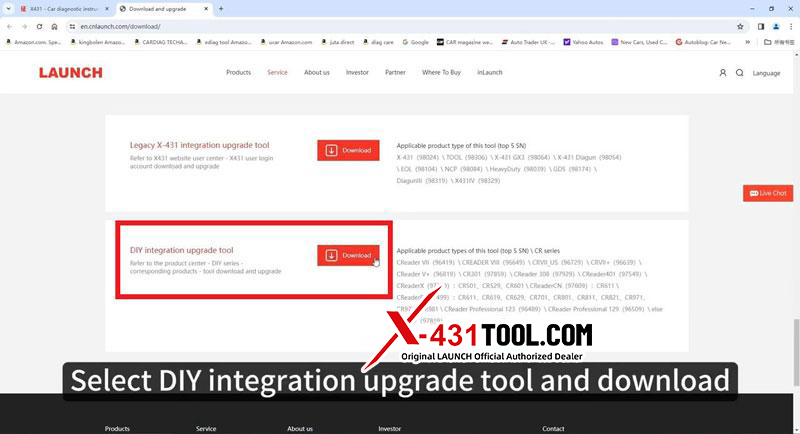
3. Prepare a WIN7 or WIN10 computer, open PC browser to enter Launch official website: https://en.cnlaunch.com/download/. Select “Service & Support >> Download >> DIY integration upgrade tool” to download. Install the update tool to computer.
4. Insert the card reader to computer
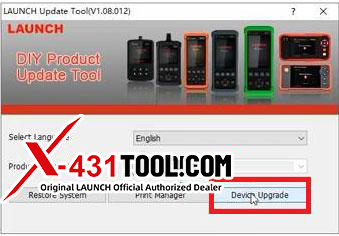
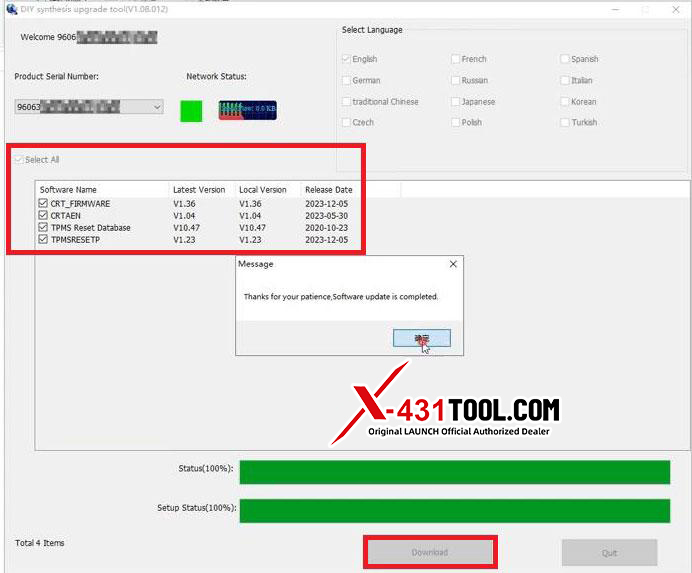
5. Open update software >> Select language >> Device Upgrade >> Select All, Download
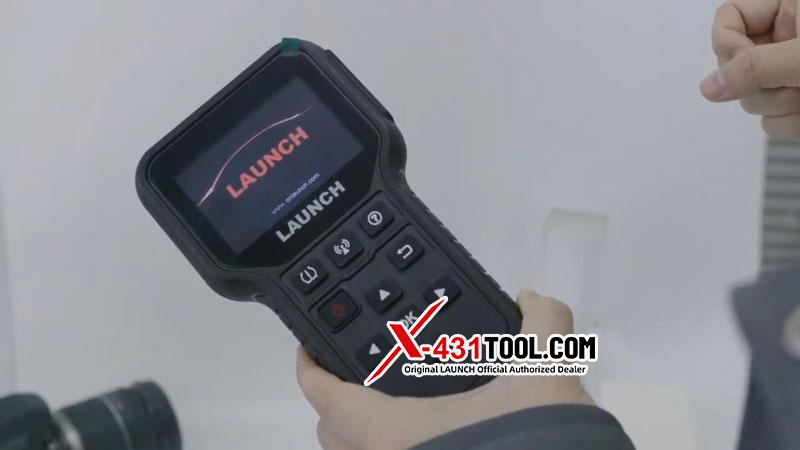
6. Unplug card reader from computer, take out SD card and insert to 5011E device. Start the device and wait for upgrade to complete.
Email: sales@x431tool.com
WhatsApp: +86 18186426016
Leave a Reply