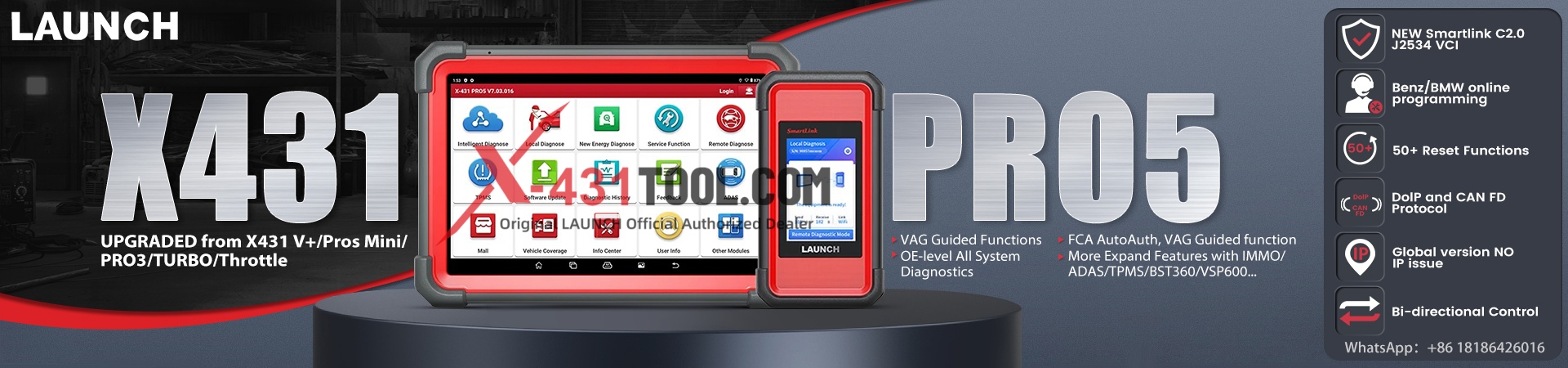
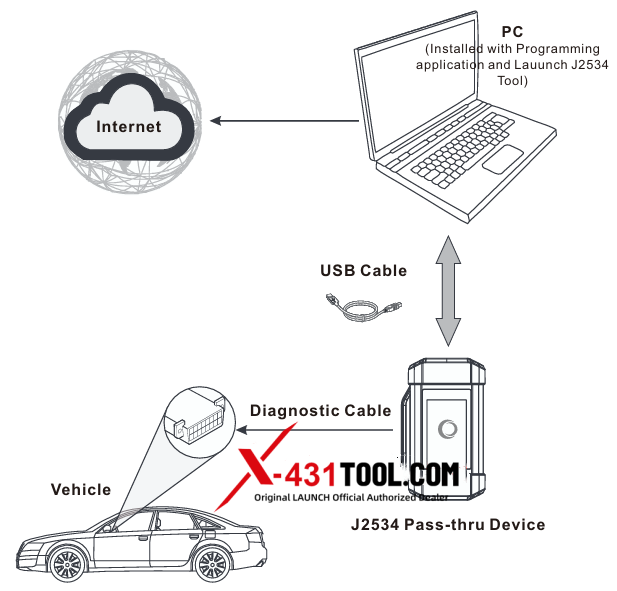
Problem: When I connect the LAUNCH SmartLink C to my computer, the system only recognizes the Ethernet interface. Although I have installed the drivers, I am unable to use the LAUNCH SmartLink as a J2534 passthrough adapter. In Device Manager, it appears as “ACER”. How to resolve the issue where the LAUNCH SmartLink C is not recognized as a J2534 pass-through adapter? My goal is to use the device with wiTECH 2.0.
Log details attached:
C: (Program Files (x86) LAUNCH SmartLink\Drivers\Ethernet\DriverSetup_x64.exe Start to detect driver installation system…
Computer version: Microsoft Windows 10
System type: 64-bit operating system
C:\Program Files (x86)\LAUNCH\SmartLink\Drivers\Ethernet\RNDIS.inf
Path of current driver file: Device detection: Device not found!
Start to pre-install driver..
Driver already installed: oem318.in
Driver installed successfully!
Path of current driver file:
C:\Program Files (x86)\LAUNCH\Smartlink\Drivers\Ethernet\smartbox.inf Device detection: Device not found!
Start to pre-install driver…
DllVersion :01.20 by 2026-02-25 APIVersion :04.04 — J2534Dll() — 0
PassThruOpen()
====== Current local diagnosis ======
PassThruScanForDevices()
DeviceCount :0x00000001
Connect no error Connect
A7 success
-> 55 aa f0 f8 00 03 00 21 14 3e
-> 55 aa f0 f8 00 03 00 21 14 3e
-> 55 aa f0 f8 00 03 00 21 14 3e
ErrorCode :0x00000009 (Timeout.)
PassThruGetLastError()
—————— Error ——-Timeout.
ErrorCode :0x00000000 (USER_ERR_NO_ERROR)
— ~J2534Dll() —
If I try to update, I get this error:
DllVersion :01.20 by 2026-02-25 APIVersion :04.04 — J2534Dll() — 0
PassThruFirmwareUpdate()
–GetDeviceIPAddress()– RequestByUdpSocket!
-> 55 aa f0 f8 00 04 00 21 14 00 39
-> 55 aa f0 f8 00 04 00 21 14 00 39 PassThruFirmwareUpdate RecvData timeout iRet: 0x842
— ~J2534Dll() —
Solution:
The logs indicate that the driver pre-installation was successful, yet the device is not detected.
Runtime logs show a timeout error, indicating a communication failure.
An attempt to upgrade the device firmware also resulted in a data reception timeout, causing the update to fail.
Based on these observations, there may be a network port conflict; it is recommended to try disabling the wireless network (WLAN).
Feedback:
The device returned to normal after turning off the wireless network (WLAN).
Any problem, please feel free to contact me:
Email: sales@x431tool.com
WhatsApp: +86 18186426016
Leave a Reply