


The “Reset Remote Vehicle Start Disable History” function in the LAUNCH X431 device can clear start/stop events in the ECM. This record is a fault/event code (DTC) or service flag, not an operation log, and can be reset using the X431 diagnostic tool(After resetting, the original record is cleared, not exported).
Function Description
It is necessary to perform this function after replacing the remote control or remote control battery, or replacing the vehicle control unit or related modules.
Supported X431 tools for this function
X431 PRO series
X431 PAD series
Tools used in this test
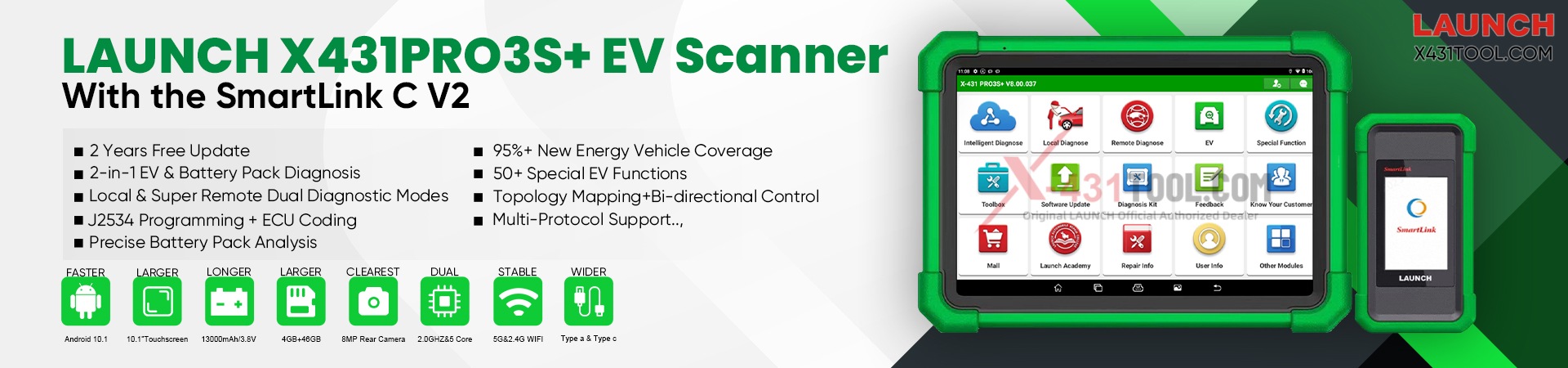
LAUNCH X431 PRO3 V+ ELITE
Tested Model : 2021 – GM Chevrolet – Suburban
Operating procedures:
1) Connect the X431 tool to the vehicle’s OBD port via SmartLink. On the LAUNCH X431 PRO3 V+ ELITE , select: [Local Diagnose]—[GM]

2) Click [Automatically Search] , operate according to the prompt “Turn Ignition ON“. Click [OK].

3) After confirming the information, enter the topology diagram interface and click [ECM] to access the system.

4) Click [Special Functions]-[Reset Functions]-[Remote Vehicle Start Disable History Reset]

5) We can see some remote vehicle start disable history, for example:
Malfunction Indicator Lamp Illuminated
Accelerator Pedal Position Out Of Range
Transmission Not In Park

At this point, the “Commanded State” parameter is “None”. Click [Reset], and the status will change to “Reset”. The operation is now complete.

www.x431tool.com
Email: sales@x431tool.com
WhatsApp: +86 18186426016
Leave a Reply